The Adventures of Fin the Fox
For this prototype, I decided to implement some different mechanics that I haven’t attempted before with C#. The predominant mechanic that I tackled during this prototype was the inventory system, in the video above you can see that I created an inspect mechanic and a consume mechanic within the inventory.
My aim for this prototype was to create a clear and polished vertical slice of a possible game for the future to prove that the mechanics I am implementing would be feasible to expand and develop into a more complex version of itself.
Inspect Mechanic:
The inspect mechanic works by having a trigger box detecting what item they are colliding with, if it is colliding with an item with a specific script on it that gives it attributes. These attributes allow for the item to check a condition that allows it to be picked up or inspected. Then when the player pressed ‘f ‘ a custom event calls that activates UI and pulls from the specific script that the item had, which updates the UI with the specific items description, name, image and effects.
Making this script modular and easy to adjust is good so that in the future when more items and interactions are added I can fine tune how they work when they are inspected and/or picked up, this also means in a collaborative project other people working on the project can easily understand what the script does without necessarily looking at the script itself.
Inventory Mechanic:
The inventory mechanic ties in very closely with the inspect mechanic as it uses similar and sometimes shared data that is passed between them. Opening up the inventory with the “Tab” key brings up a six slot menu, hovering over a widget of, for example, a cherry that has a stat that when consumed heals you for 2 health it displays below it in a description section that it heals you for the predetermined amount of health. Then clicking on this will consume the item (if the item is selected as a consumable), and then applies whatever the specified effect is to the character.
Knight AI and Interaction:
Due to there only being one enemy character in this vertical slice I wanted the enemy to be engaging and not just a simple, jump-on-head, enemy. Using this idea I wanted to make the enemy clear and precise with their attacks and movements, using a simple lerp to have the enemy patrol between two points was all I believed that was necessary for the small time frame given for this project.
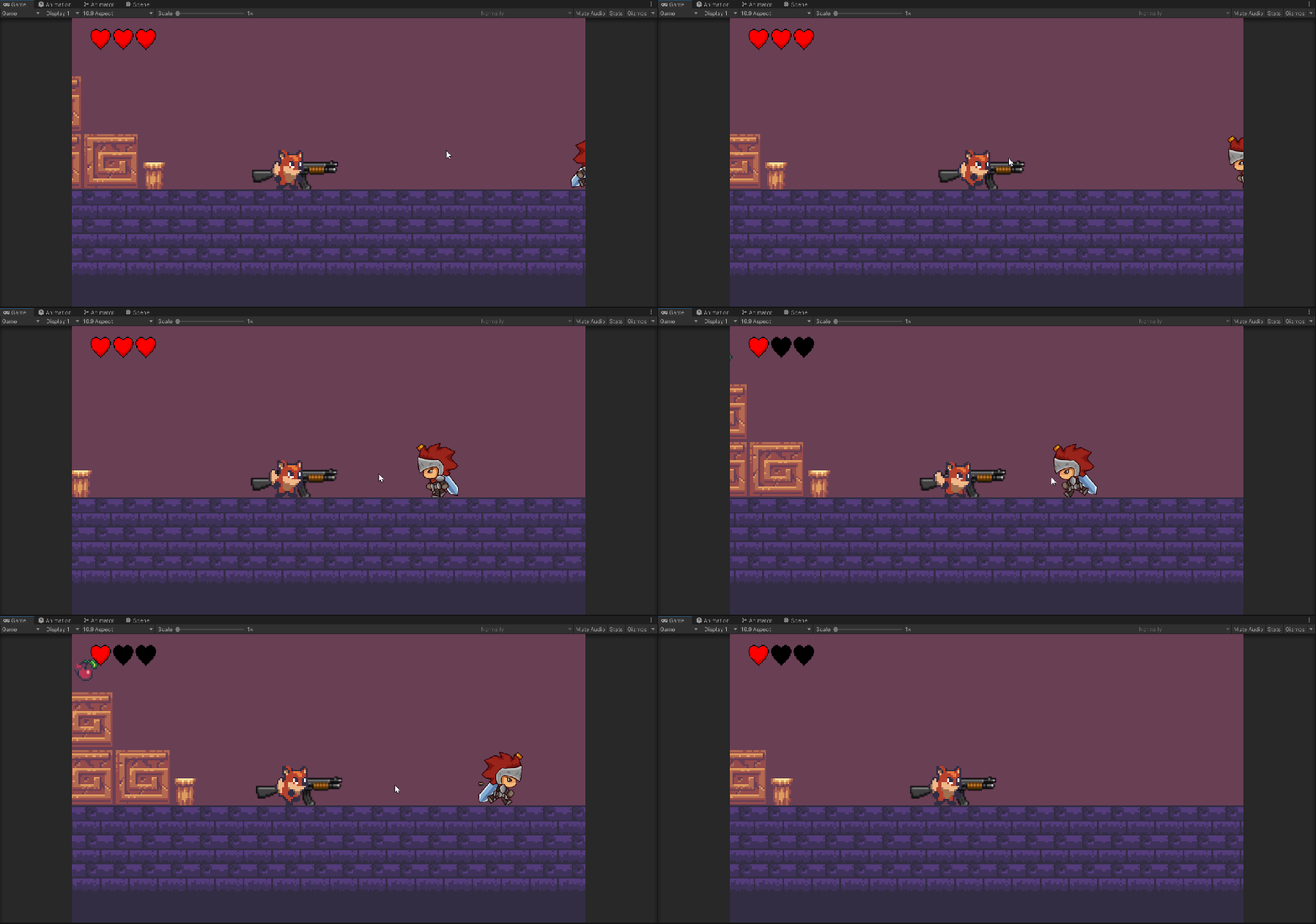
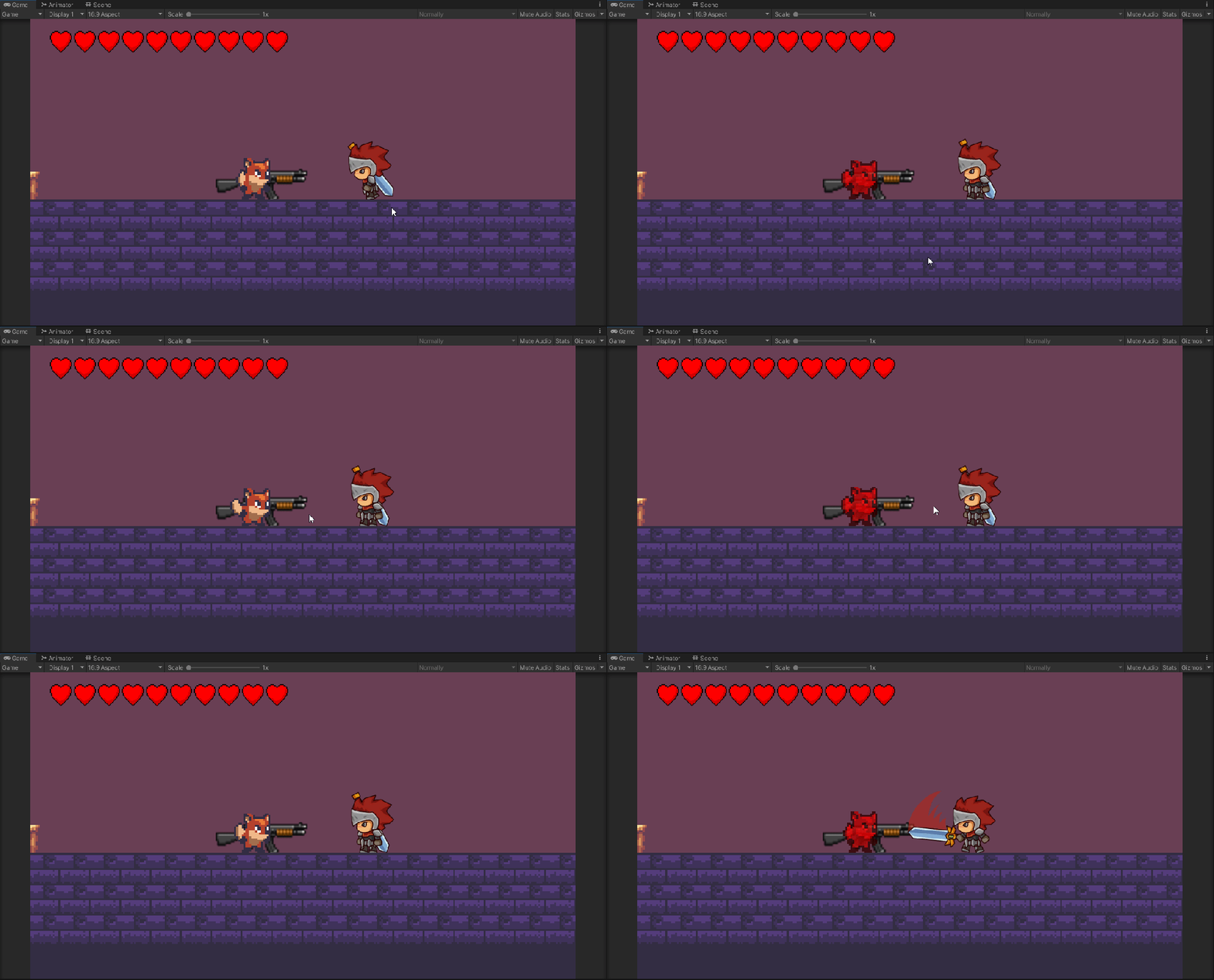
With a small attack range hitbox in front of the knight which when the player collides with the box the attack animation starts, using animation events in unity, on the correct keyframe when the sword is swung an event is called in the script that causes damage to the player.
Invincibility Frames:
Leading on from the last section, whenever the player takes damage a function which activates invincibility frames is called, during this time an animation is started so that there is visual feedback for the player to know they cannot take damage for a small amount of time, this function makes it less punishing and more fun for players when they are in combat or traversing the level.
Environmental Hazards and Pickups:
To add a final bit of spice to the level I added some traps and obstacles to keep the player engaged and active within the level, without these traps the players wouldn’t have any risk between encounters or diversity through their playthrough.
This includes ducking under obstacles, double jumping over obstacles, spikes and rotating saws.
Throughout the level there are also health pickups alongside the cherries, these heart pickups will heal the player for one heart, having these pickups make the gameplay more fun and less punishing so that the player doesn’t have to play it perfectly and could become very punishing with only for a few mistakes.
Back To Home



 Oscar Duffield